ai-native ide
The AI writes.
You ship.
You are the senior engineer. The AI is the contributor.
How it works
Intent. Execute. Review. Ship.
Run any AI coding tool in Anide's terminal. Every file it touches surfaces as a Git diff. You review, you decide, you commit what's right.
Plan & describe
Map out what you want built. Drop into the terminal and run Claude Code, Codex, Grok, or any other AI tool — just like your normal terminal.
AI executes
Your AI tool runs in Anide's high-performance terminal. It writes files, edits code, and does whatever it does — Anide stays out of the way.
Diff appears
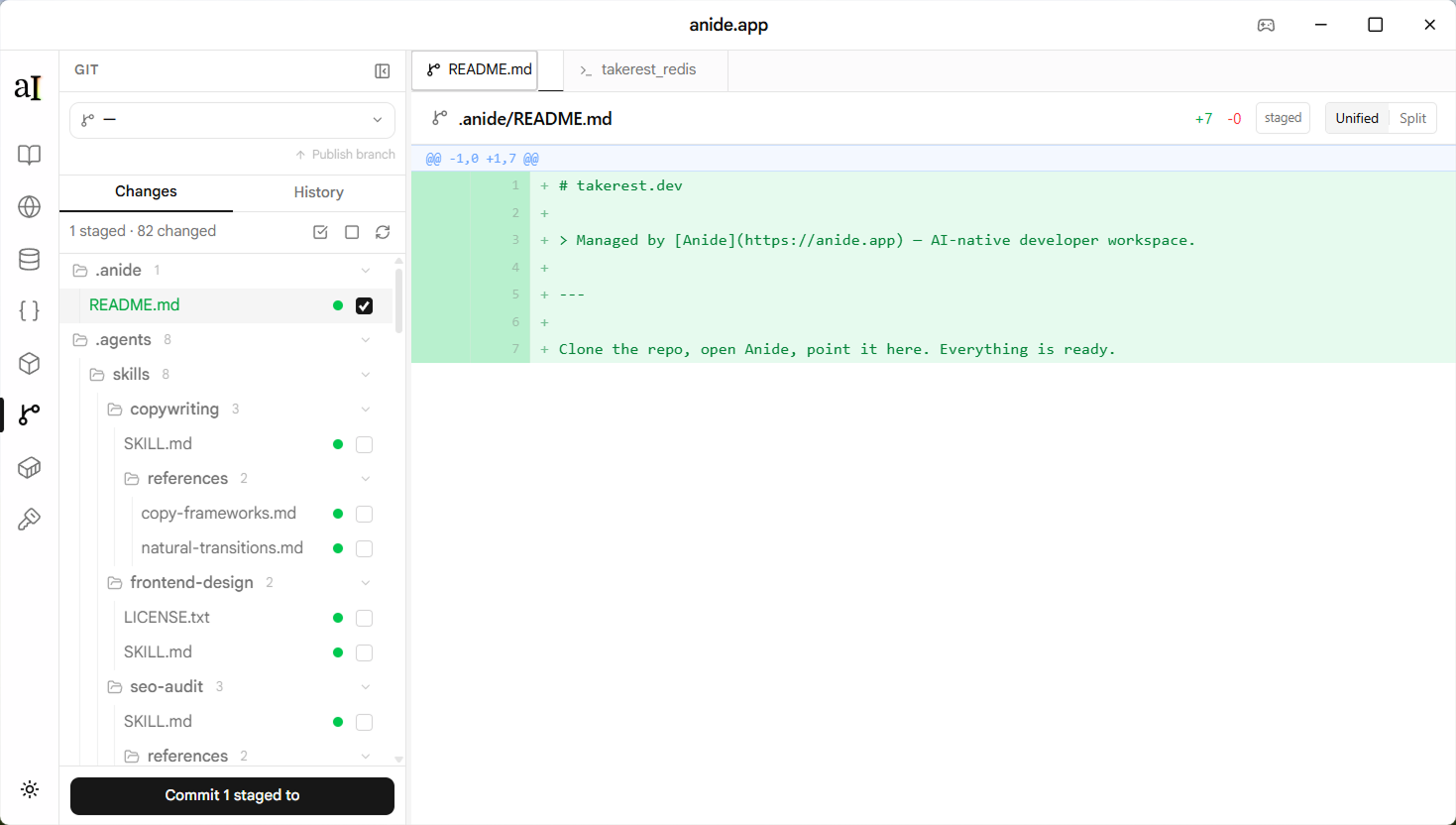
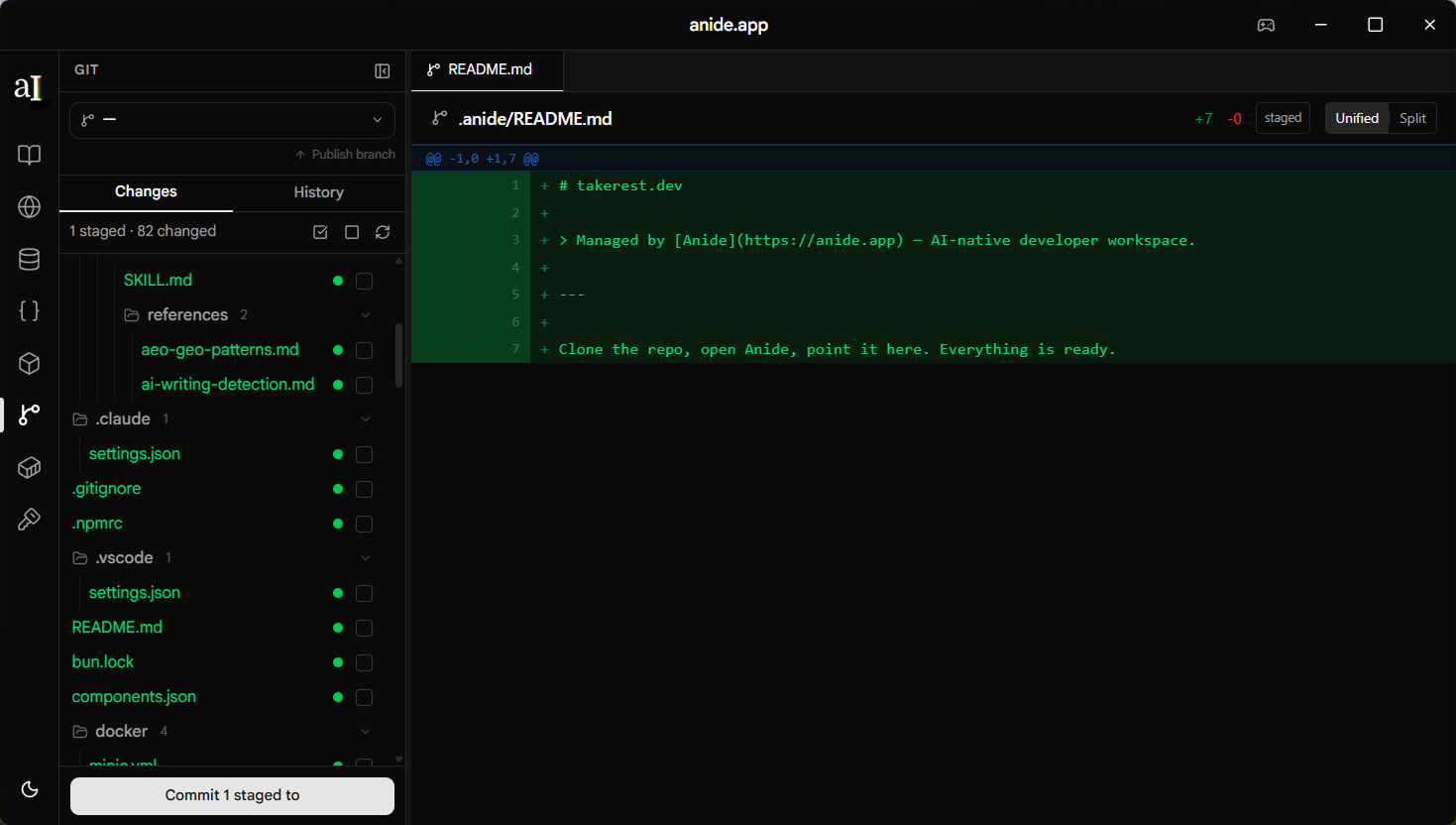
Every change surfaces immediately as a Git diff. You see exactly what the AI touched — line by line.
Test & review
Run it, test it, accept or reject. You are the senior engineer on the PR — the AI is the contributor.
Commit and ship
Stage what you want, write the commit message, push. The loop resets for the next session.
Review first
Every change is a diff you approve.
Built for engineers who want AI speed without AI blind spots. Every file the agent touches surfaces as a Git diff. You review, you decide, you ship.
Unified & split view
Toggle between a unified diff and side-by-side comparison. Large diffs paginate automatically.
Stage what you want
Choose which files go into the commit. Unstage anything that isn't ready yet and leave it in the working tree for the next session.
Nothing auto-commits
Changes live in the working tree until you stage and commit. You decide when the AI's work ships.
Human + AI
Designed for the human in the loop.
AI writing your code is already magical. You don't need it to be more magical than that. Anide keeps you close enough to see exactly what changed, run it yourself, and decide what ships — without giving up the speed.
Browse docs
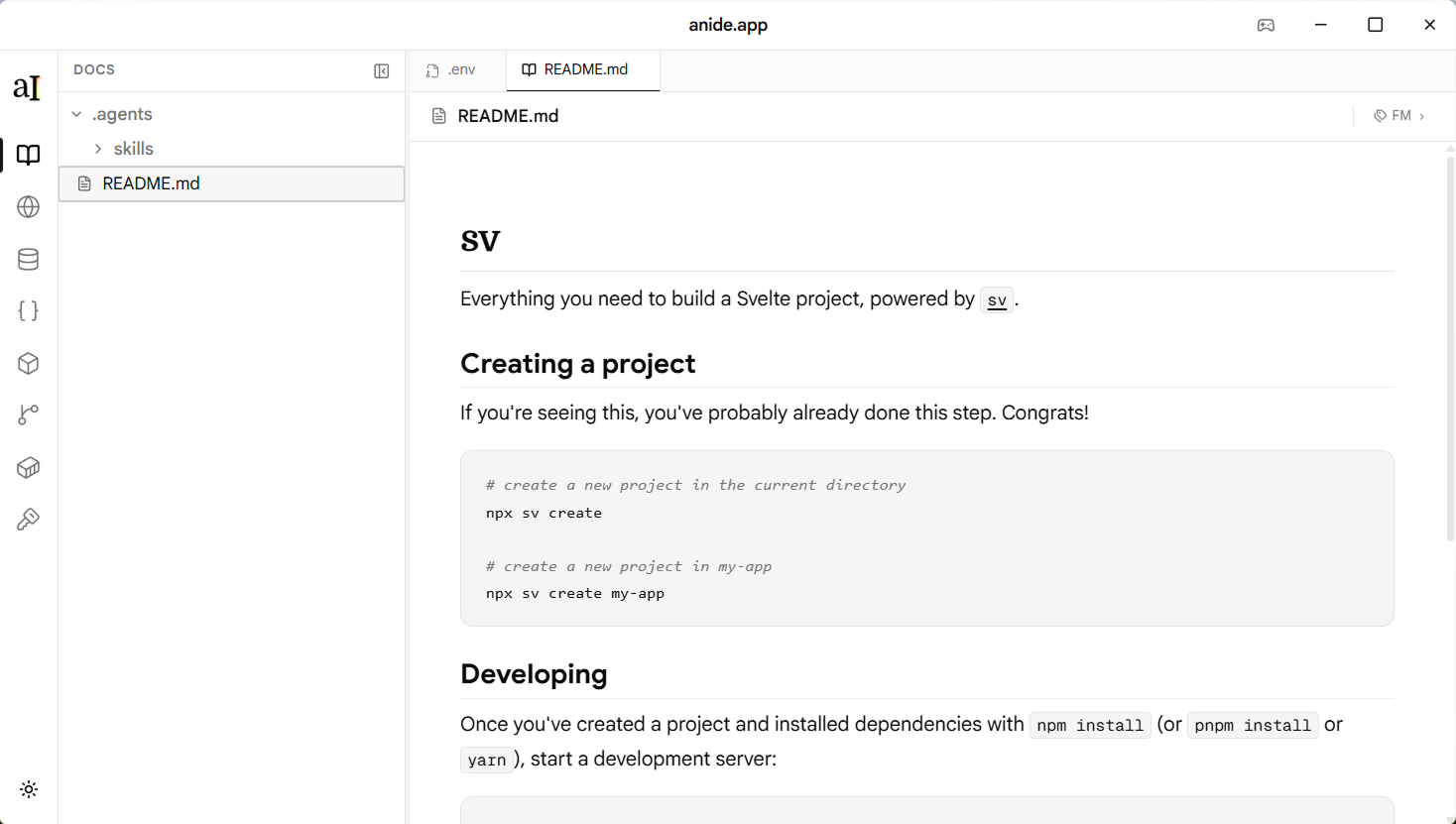
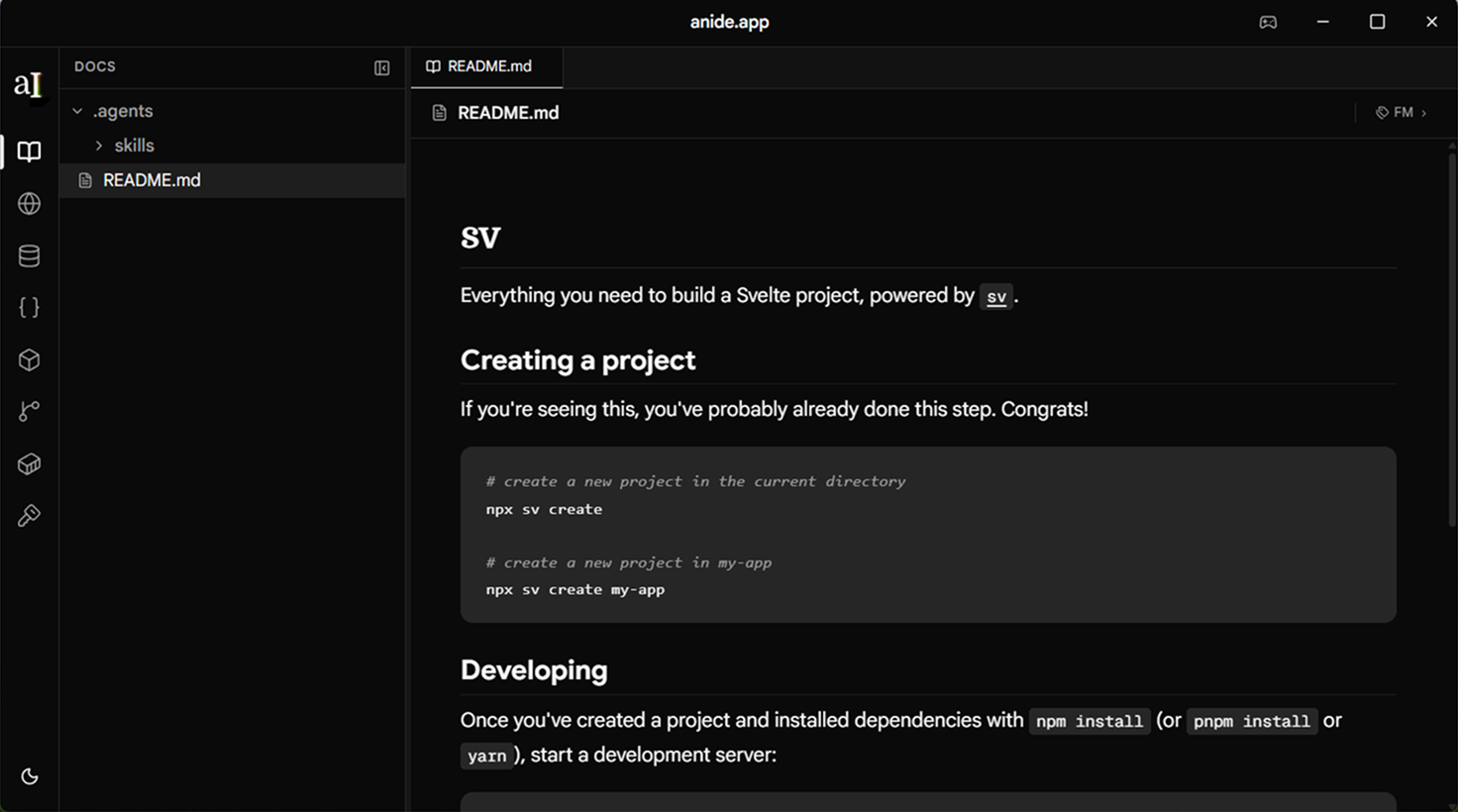
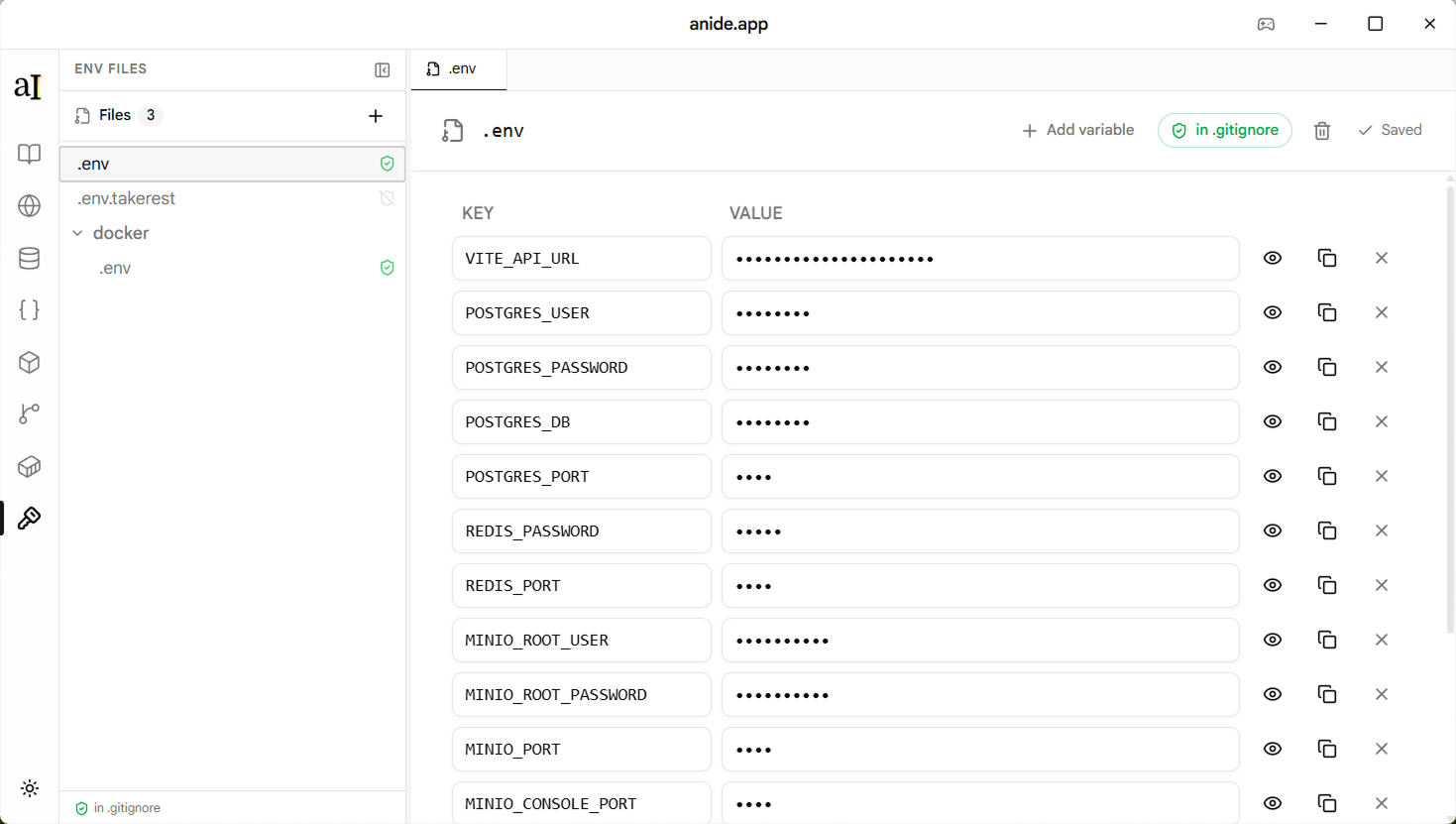
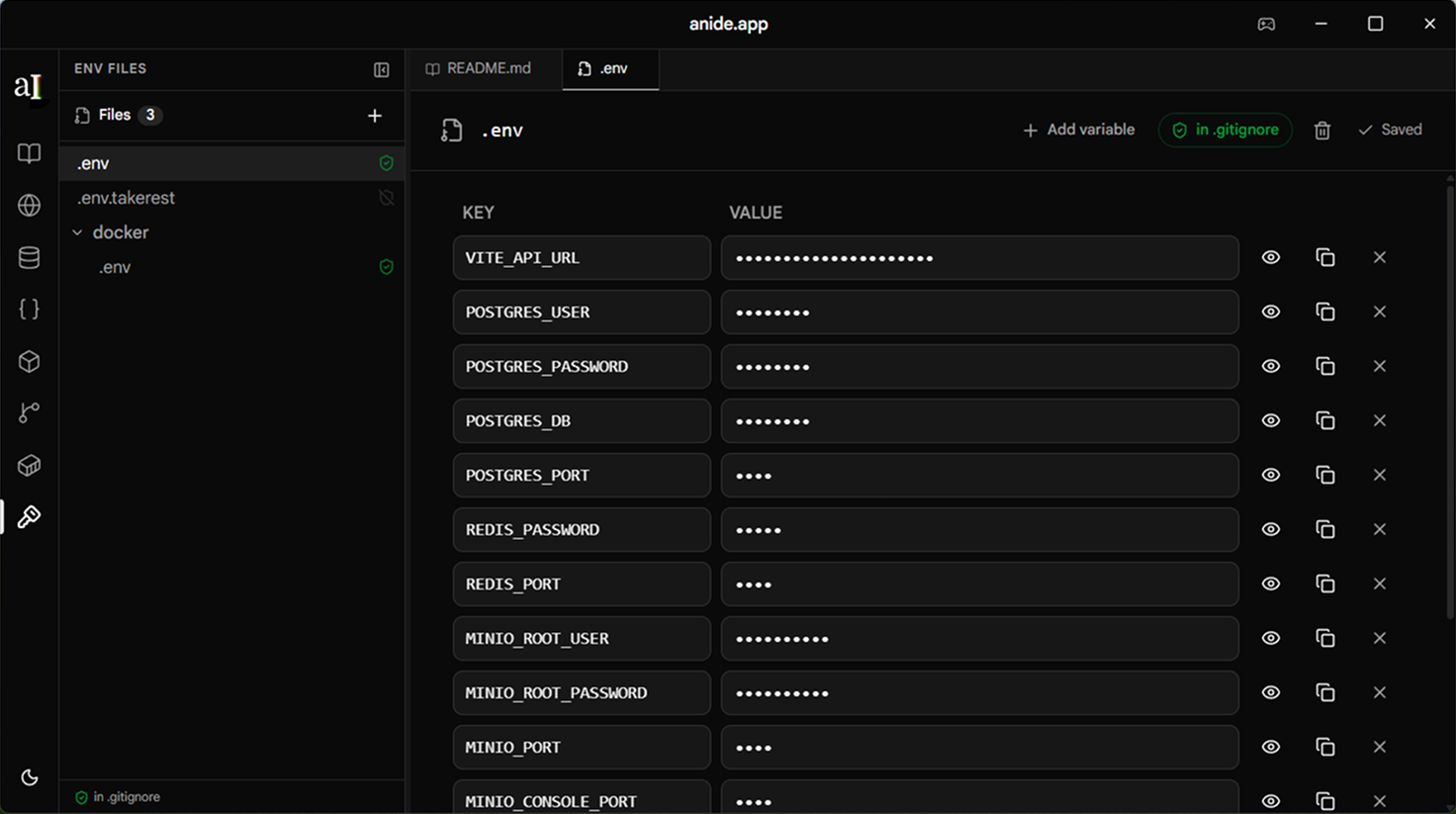
Every markdown file in the repo — agent instructions, ADRs, changelogs — readable and editable without leaving the app.
Review diffs
Unified and split diff view. Stage individual files or specific hunks. Nothing ships until you've approved it.
Run the terminal
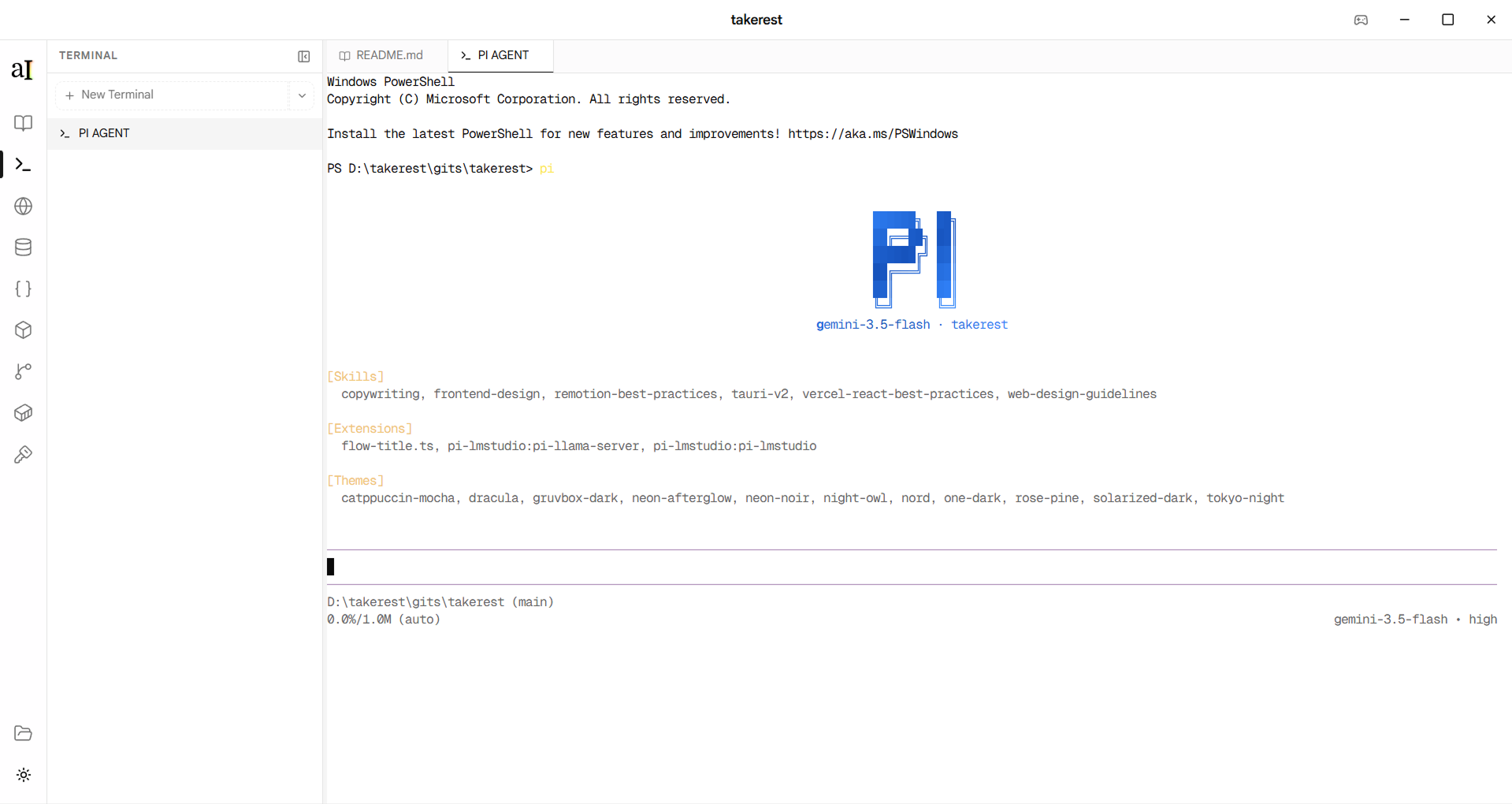
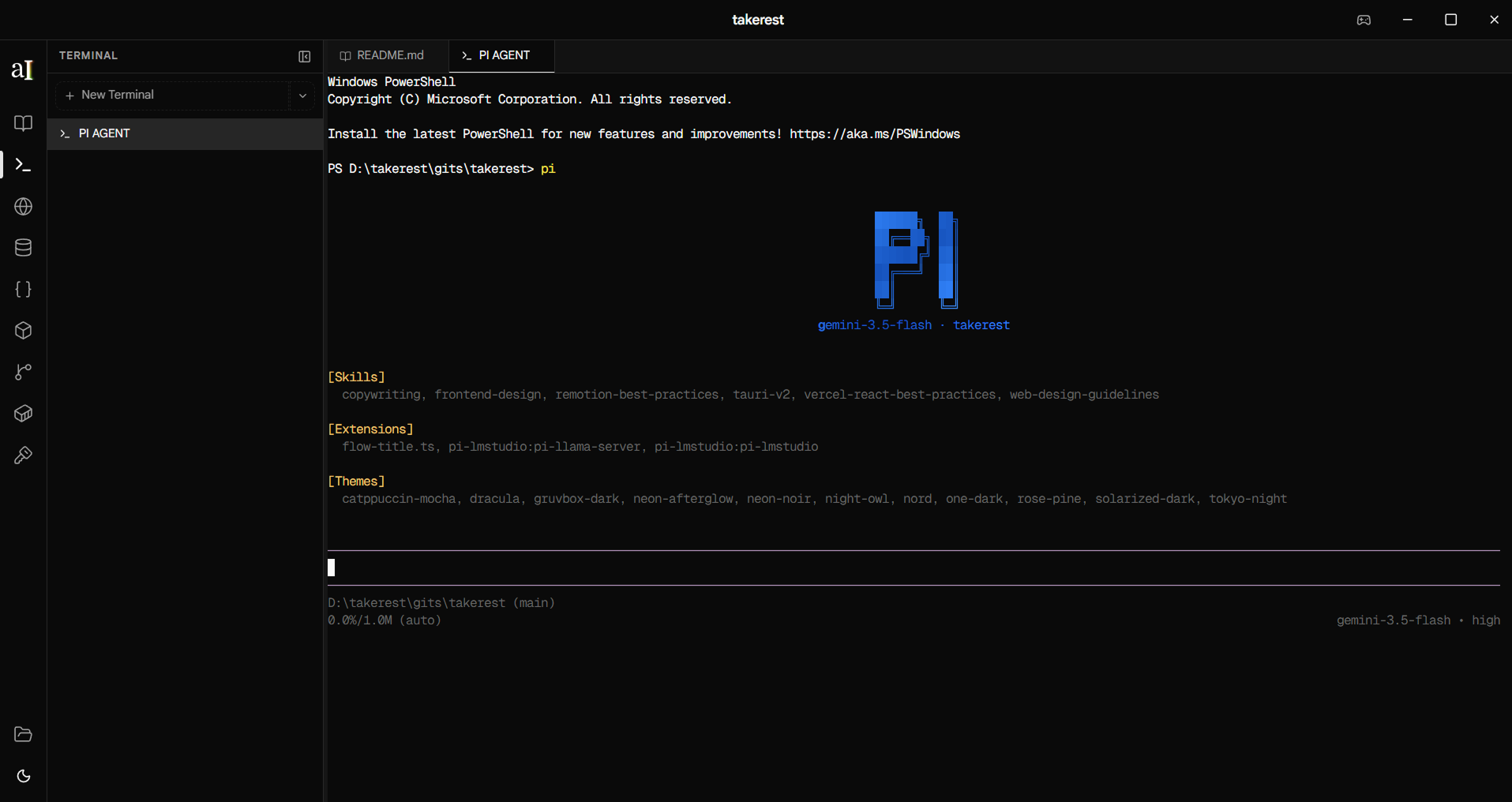
Integrated terminal for Claude Code, Codex, or any CLI. Watch the AI work, interrupt when needed, run commands yourself.
Check containers
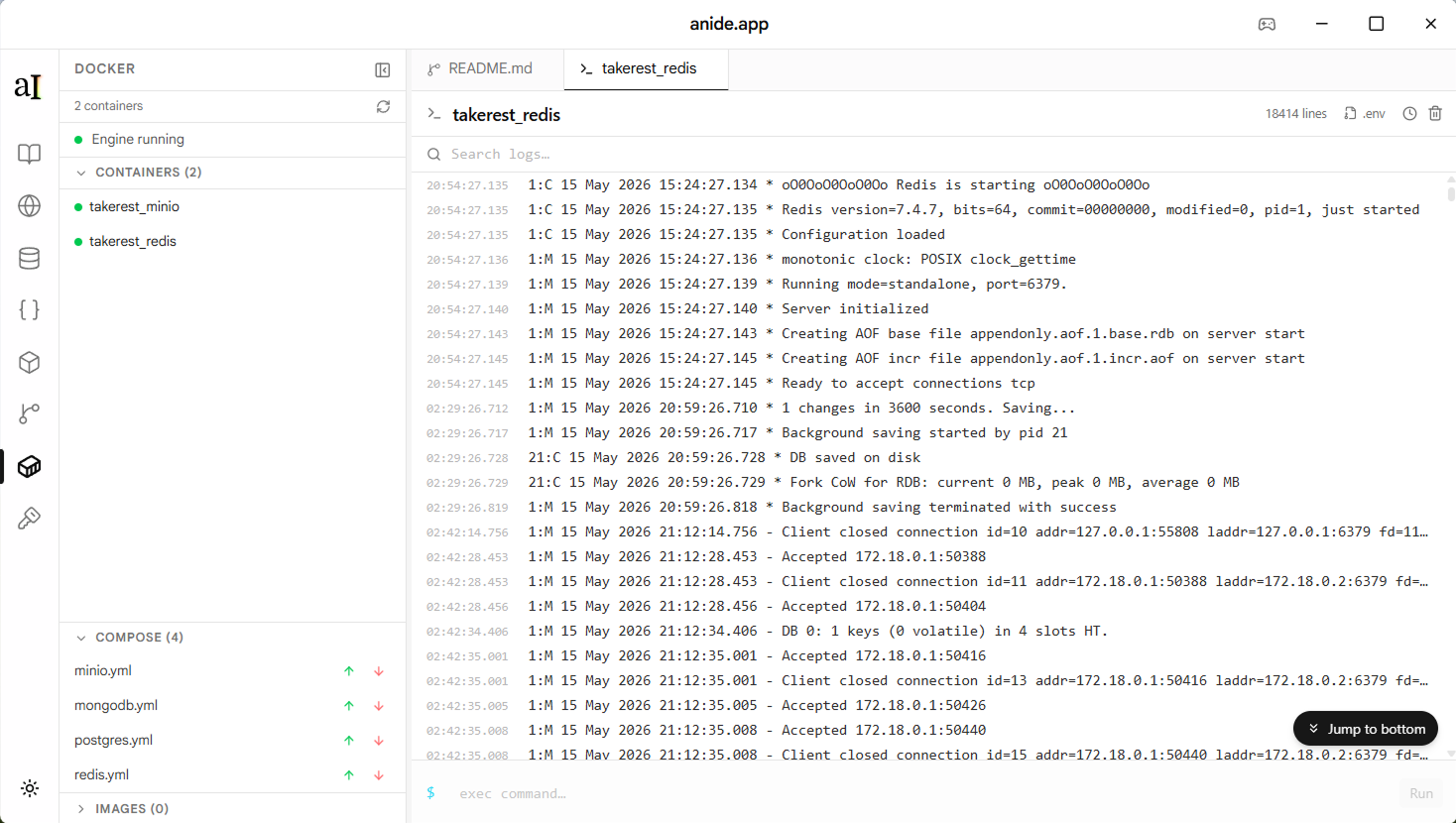
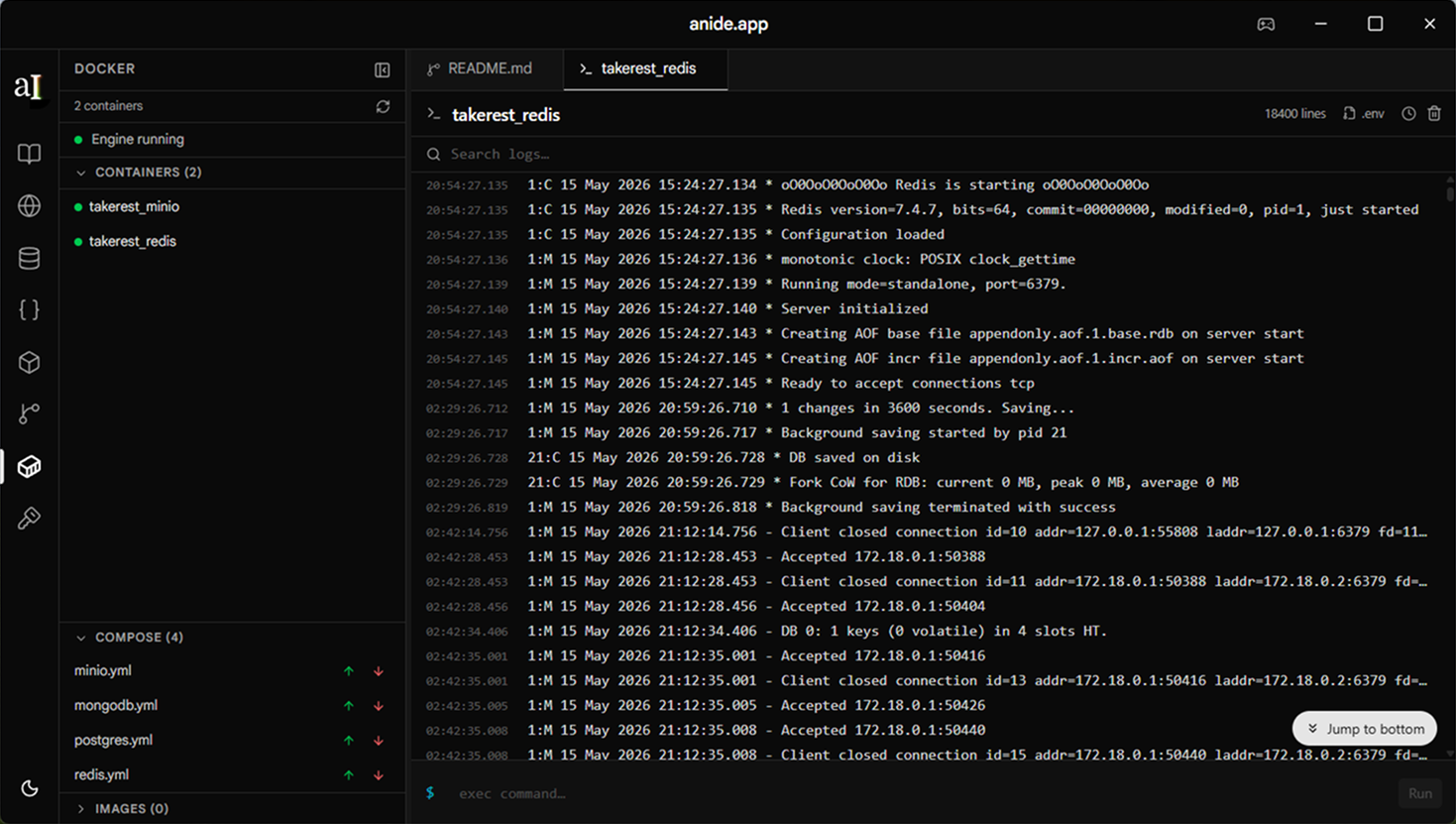
Stream logs, restart services, run compose up/down. Diagnose what the AI broke before writing a bug report.
Local first
Your machine. Your tools. Your code.
Anide runs entirely on your machine. Your AI tools, your credentials, your codebase — none of it goes through us.
- Run Claude Code, Codex, Grok, or any AI tool — Anide is just the terminal
- No telemetry. No cloud storage. No mandatory account.
- Open source and auditable
- Your codebase never leaves your disk
Powered by Tauri + Svelte
Rust backend, native OS WebView, no bundled Chromium. Starts in under a second. Ships as a tiny binary. Dramatically less RAM than any Electron alternative.
< 30 MB
RAM usage
8.3 MB
binary size
none
Chromium bundled
API Client
Test the endpoint the AI just built. Response body, headers, and status all feed back into context.
Database
Read the live schema, run queries, inspect what's in the tables before writing a single migration.
Cache
Browse Redis keys and TTLs. AI knows what's cached before it touches the invalidation logic.
Object Storage
List S3 buckets and files. Upload paths, presigned URLs, and bucket policies are all visible.
Git
Full commit history, diffs, and branch state. AI sees what changed and what is pending review.
Docker
Container status, logs, and Compose config. AI knows whether your services are actually running.
MCP context
Coming soonYour AI sees the whole stack.
Most AI coding tools only see the open file. Anide gives your agent MCP access to your APIs, databases, cache, storage, Git history, and running containers — so it has full context before it writes a single line.
These aren't separate tools for you to manually operate. They're context providers for your AI. The agent can look up the live schema, test the endpoint it just built, and check what's cached — all in one session.
also
One app. Six bloated tools gone.
Every tool in your current stack is a separate Electron app bundling its own Chromium. Anide replaces all of them with one native Tauri app.
Cloud-first, account-gated, credentials stored on their servers. Anide is local-first with .env-aware requests.
Java app with a dated UI. No integration with the rest of your workflow.
Redis-only, Electron. One more app in the dock for a single use case.
Browser-based, no API or container integration. Another disconnected silo.
Git only. Anide has Git as part of a connected, AI-aware developer workflow.
Bloated, controversial licensing. Anide is a lightweight companion, not a daemon replacement.
6
apps replaced
Postman, DBeaver, Redis Insight, MinIO, GitHub Desktop, Docker Desktop
~2 GB
RAM saved
Six Electron instances vs one native Tauri app using the OS WebView
0
Chromium copies bundled
Tauri uses the OS WebView — no bundled browser engine
Your AI writes the code. You review and ship.
Download Anide and get started in minutes.