Features
.env Manager
Read, edit, and manage all your environment variables across every .env file in a project — without touching a text editor.
What it does
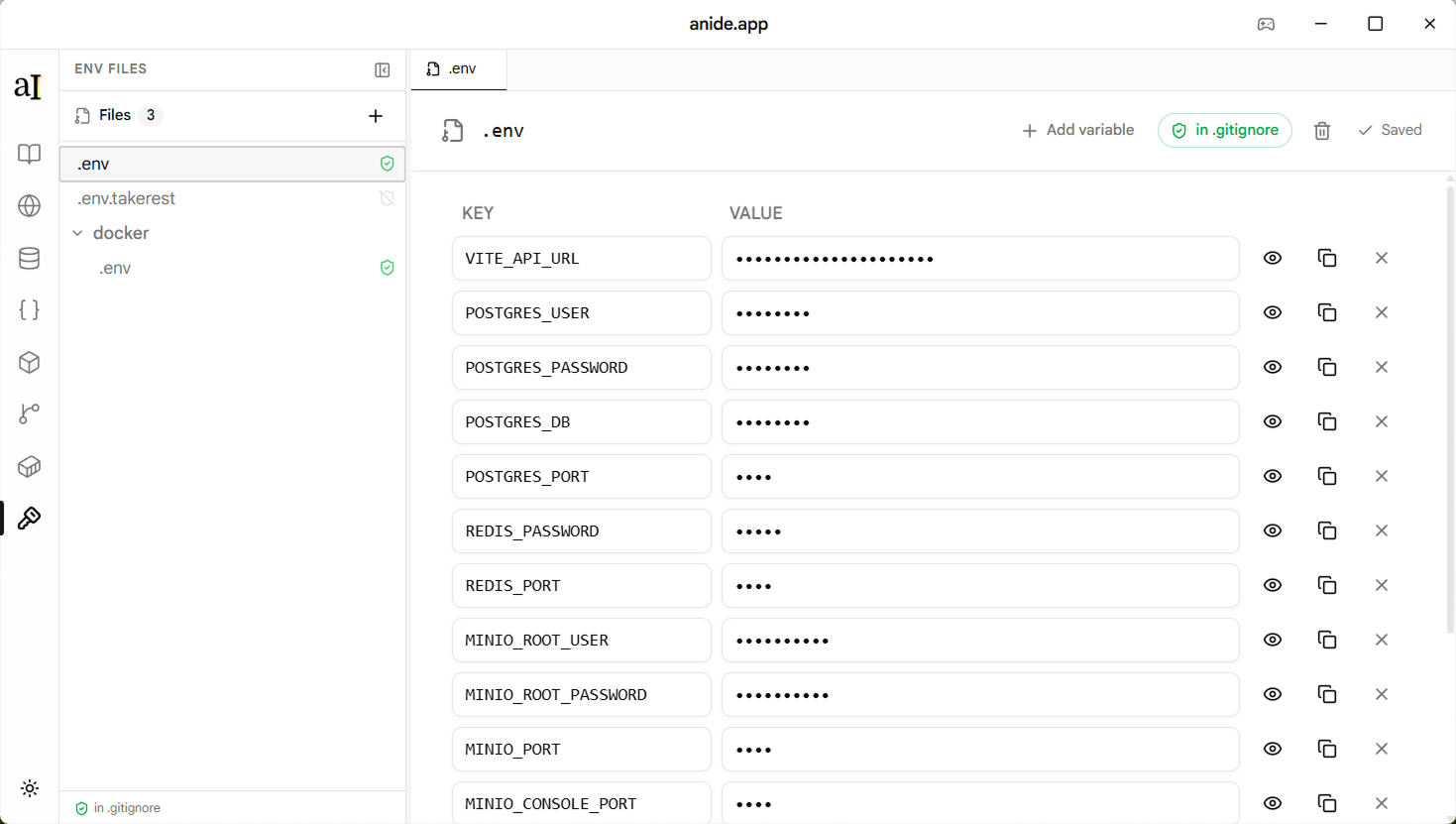
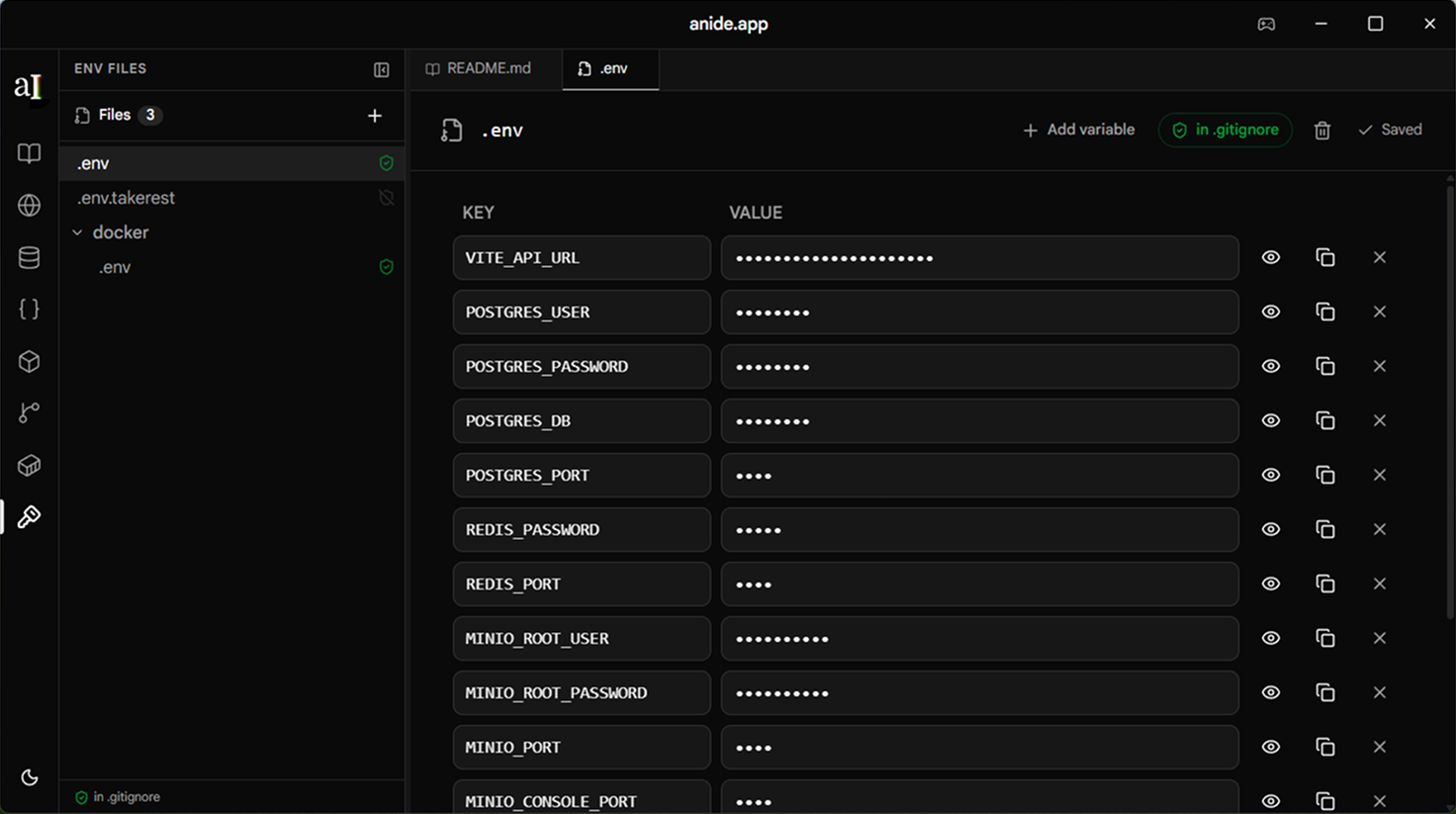
The .env manager scans your project root for all env files, presents them as an editable key-value table, and saves changes back to disk. Secret values are masked by default and revealed on demand.
It also lets you control which files are ignored by Git — toggle a file into .gitignore directly from the UI
without leaving the app.
Supported file formats
.env Default variables shared across all environments.env.local Local overrides, never committed to Git.env.development Development-only values.env.production Production values, typically not committed.env.test Values used during automated testing.env.example Template file committed to Git, no real secretsAny file matching the .env* pattern in the project root is detected automatically.
Features
Key-value editor
Each variable is shown as a row with its key and value. Edit inline — changes are written back to the file on save. New rows can be added with the + button, and any row can be deleted.
.gitignore toggle
Each env file has a Git badge showing whether it is ignored or tracked.
Toggle it to add or remove the file from .gitignore — no manual editing required.
Add and delete variables
Add new key-value pairs to any file. Delete keys that are no longer needed. Comments in the original file are preserved on save.
How to access it
Open a project
Open any folder that contains .env files. TakeRest scans the root on load.
Click the .env icon
In the activity bar on the left, click the Key icon to open the .env manager panel.
Pick a file
A tab appears for each detected env file. Click to switch between them.
Edit and save
Edit values inline. Click Save (or ⌘S / Ctrl+S) to write changes to disk.
File format
TakeRest reads and writes standard .env syntax.
Comments (lines starting with #) and blank lines are preserved.
# Database
DATABASE_URL=postgresql://localhost:5432/mydb
DATABASE_POOL_SIZE=10

# Auth
JWT_SECRET=your-secret-here
JWT_EXPIRY=7d

# External APIs
STRIPE_SECRET_KEY=sk_live_...
RESEND_API_KEY=re_...